


Scalper mode unlocked
Take advantage of smallest stock movement with 1-click buy & sell

Take quick action on open positions
Modify and add stop-loss against your open positions in 1-click

Reverse open positions
Take contrary positions against open positions & create the perfect hedge

Account Manager for PRO traders
Track your P&L on the charts itself with our Account Manager
Unlock premium TradingView features when you join m.Stock
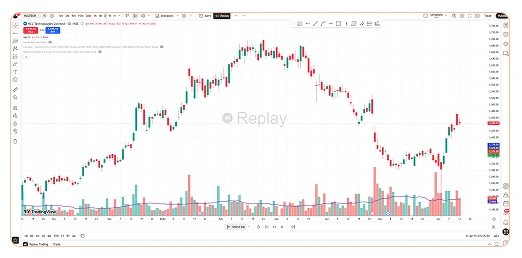
- Bar Replay
- Pine Editor
- Stock Screeners
- Multiple Charts Layout
- Price Alerts
Steps to link your m.Stockaccount with TradingView
1Login / Open a
m.Stock Account
2Choose mStock on
TradingView Panel
3Authorize TradingView
Connection
Invest. Trade. Prosper.
One platform for all your needs
Multiply your investment opportunities!
Enjoy unlimited holding period with
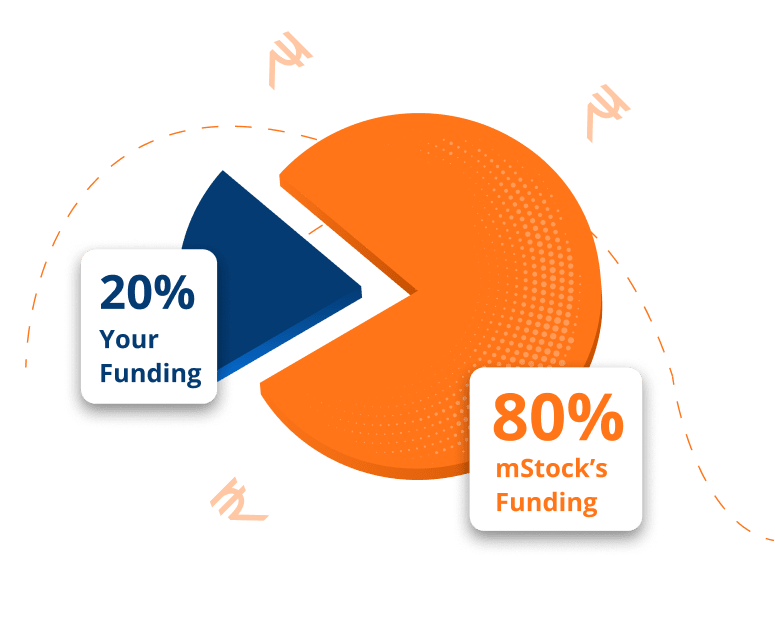
TradingView, an advance charting platform for traders!
TradingView is a leading cloud-based charting platform designed for traders and investors, offering a comprehensive suite of tools to analyze and visualize financial markets. In the fast-paced world of trading, the integration of TradingView’s advanced analytics with m.Stock’s extensive market data and research will provide traders with an unparalleled resource. Discover TradingView’s powerful charting features and real-time economic calendar by visiting their website.